How do I apply for PlusCredit Mastercard® ?

PlusCredit Website
Last Update há 5 meses
- Go to PlusCredit
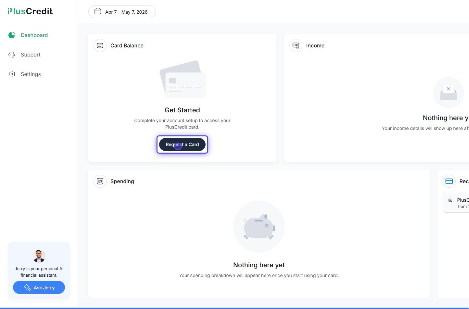
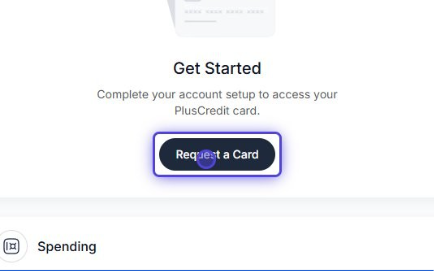
- Click on Request a Card
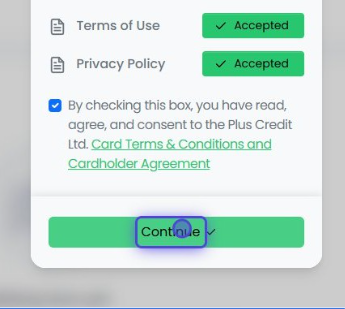
- First, review our terms and conditions.
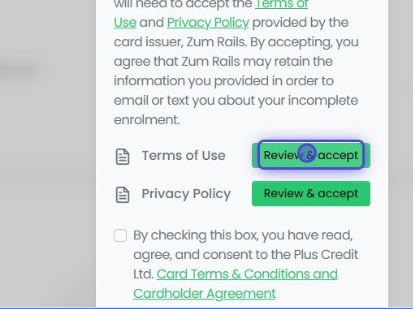
- If everything looks good to you, click accept.
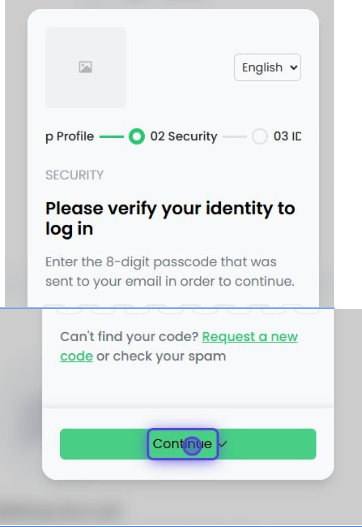
- You will be asked to confirm your credentials again. Please enter the passcode you receive on your email.
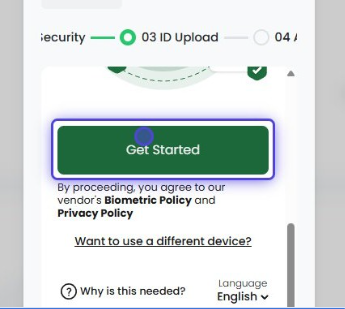
- When you’re authenticated, you will be asked to upload your ID for identity verification.
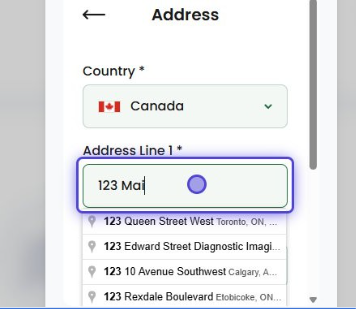
- Ensure to enter in your up-to-date address.
- Provide your Canadian government issued ID.
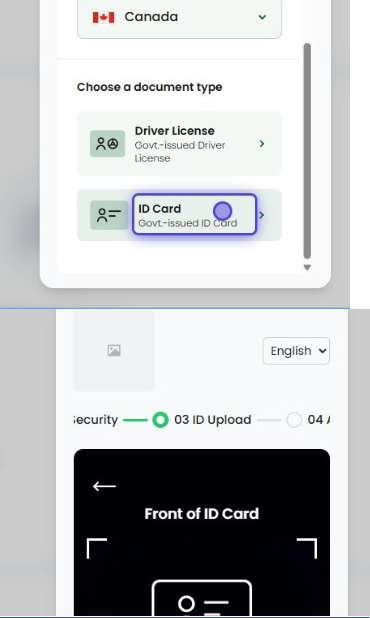
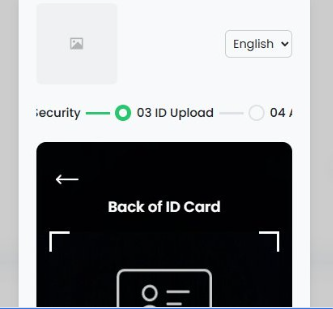
- Last but not least, confirm your occupation.
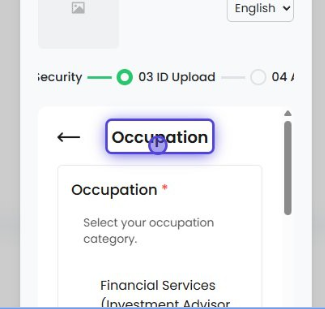
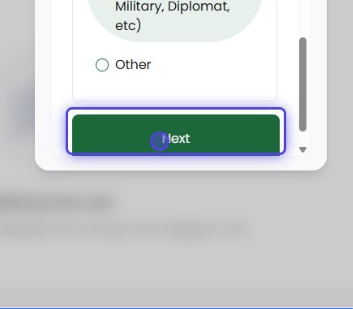
- Please allow a few minutes for our system to confirm your identity. Once we confirm your identity, your account will be fully activated.